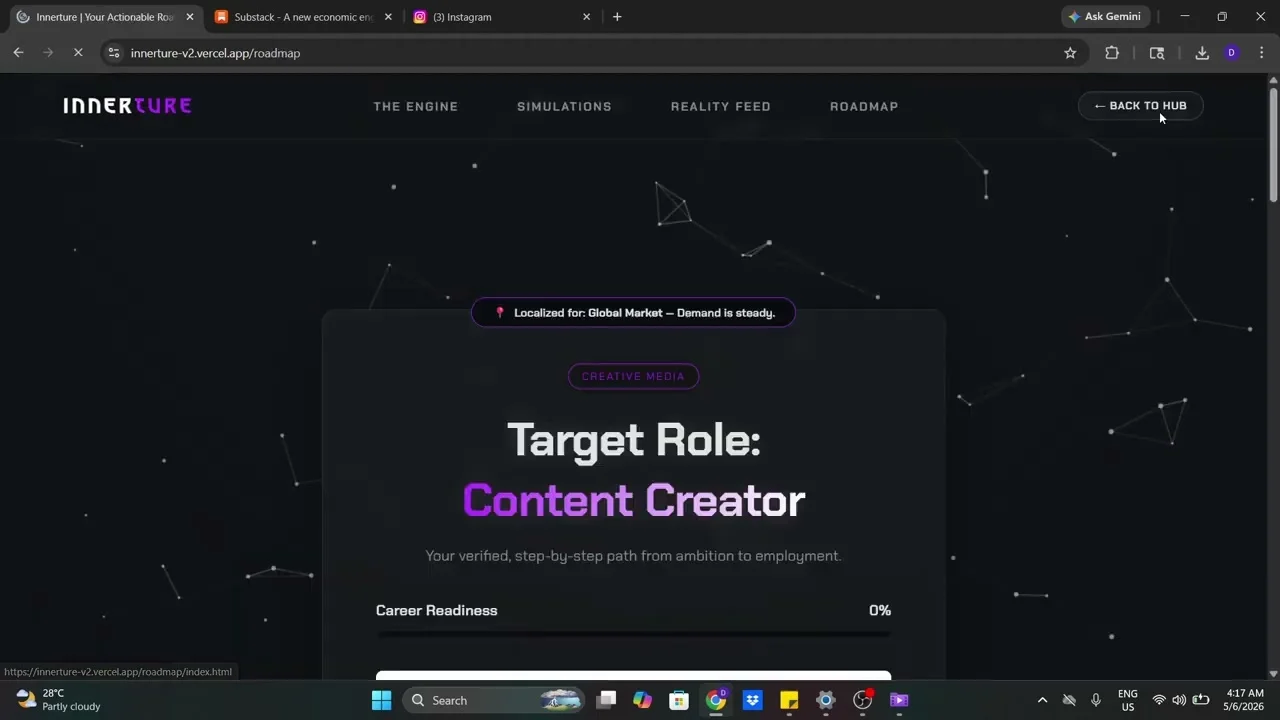
This video demonstrates navigating the INNERTURE website's Reality Feed, Analytics, and Roadmap sections.
Reality Feed Exploration ⏱ 0:00
•User navigates to Reality Feed on INNERTURE website•Page displays Content Creator roles: Social Media Producer, Brand Storyteller, Growth Creator•User expands details for Social Media Producer, Brand Storyteller, and Growth Creator to reveal descriptionsAnalytics and Roadmap ⏱ 0:35
•User switches to Analytics tab showing Salary Range, Average Salary, and Workplace Rating•User navigates to Roadmap section showing Target Role: Content Creator•A Discovery Engine pop-up appears asking user to describe what they are naturally good at•User types 'I love solving puzzles'•Button changes from ANALYZE to UPLOADING... then OFFLINE, indicating network issue or simulation•User returns to INNERTURE homepage•User logs outKey Takeaways
•INNERTURE website has a Reality Feed section with Content Creator roles like Social Media Producer, Brand Storyteller, and Growth Creator with salary trends.•The Analytics tab displays Salary Range, Average Salary, and Workplace Rating.•The Roadmap section shows a Target Role of Content Creator and includes a Discovery Engine that analyzes user input.•After typing 'I love solving puzzles', the system showed status changes: ANALYZE, UPLOADING..., then OFFLINE.Conclusion
The video ends after logging out of the INNERTURE homepage.