

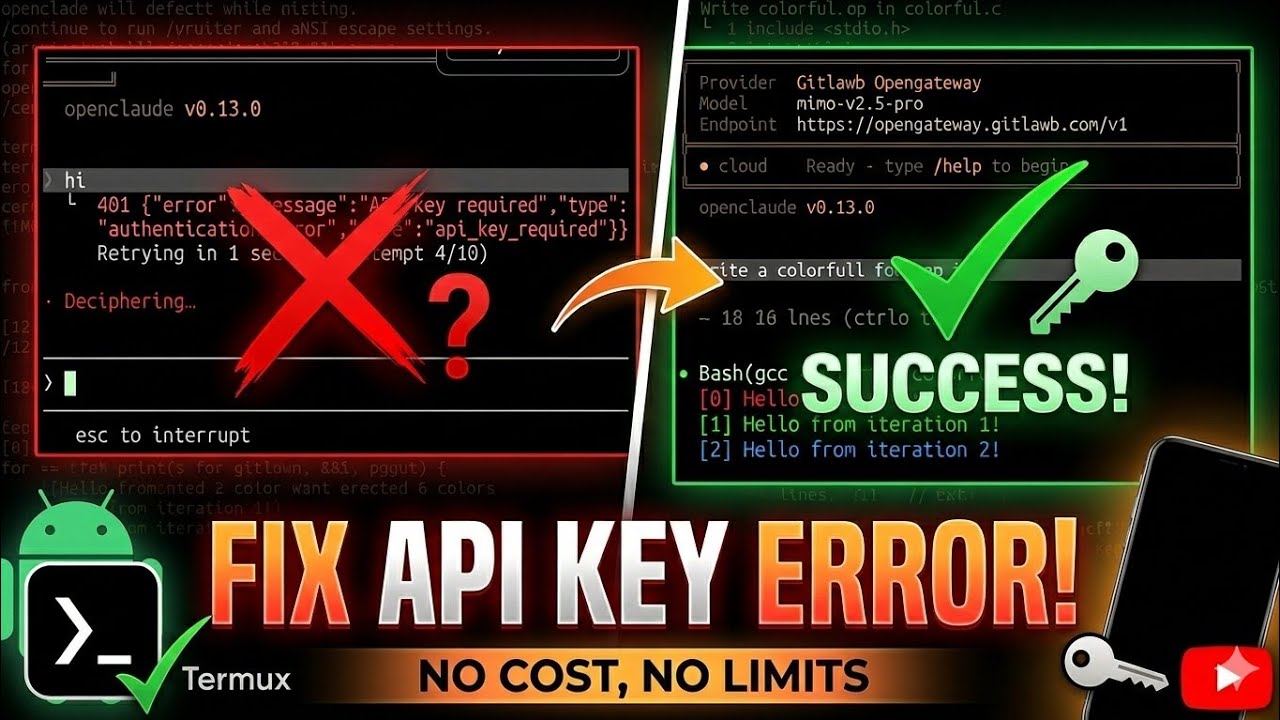
Fixing the GitLab OpenGateway API Key Error in Termux▶ 0:00
Users attempting to run OpenClaude on Termux via the GitLab OpenGateway provider may encounter a persistent authentication error. The application fails to execute commands, returning a 401 status code with the message "API key required." This issue prevents interaction with the model, regardless of the input provided. The error stems from incorrect default configuration settings within the OpenClaude installation files, specifically regarding authentication modes and environment variable handling.
The resolution involves modifying the source code of the installed Node.js modules to enforce API key authentication. This process requires navigating to the specific module directory, editing two JavaScript configuration files, and adding an environment variable for the API key. Once the code is corrected, users must generate a valid API key from the GitLab OpenGateway portal and input it into the terminal upon startup.
Identifying the Authentication Error▶ 0:21
When launching OpenClaude in Termux, the application initializes with default settings. If the configuration is incorrect, any command entered into the chat interface triggers an authentication failure. The terminal displays the provider as "Gitlab OpenGateway" and the model as "mimo-v2.5-pro." Instead of processing the input, the system returns a JSON error object indicating that an API key is missing.
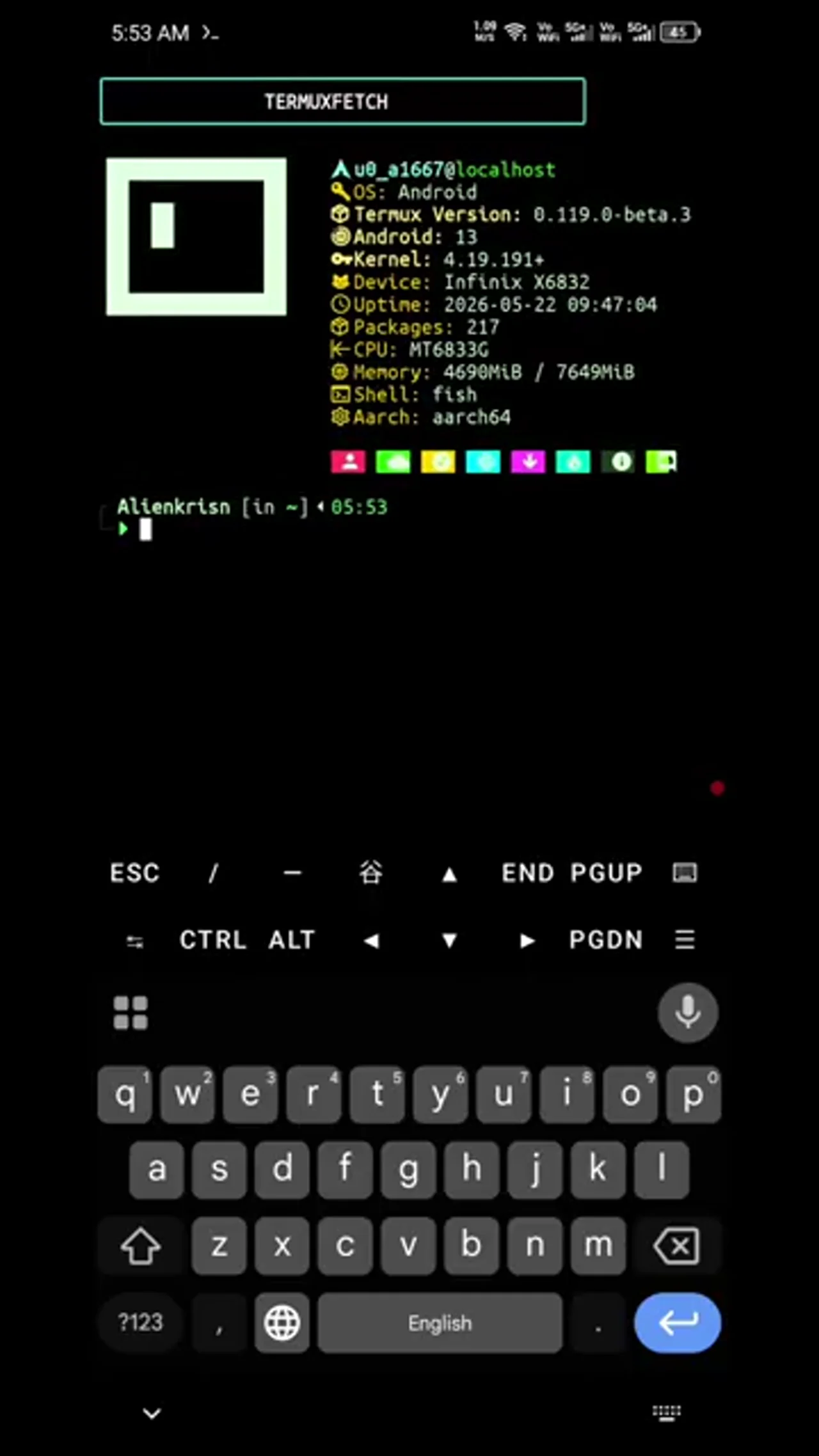
The error message appears as follows:
401 "error": "message": "API key required", "type": "authentication_error", "code": "api_key_required"
Retrying in 4 seconds... (attempt 4/10)
This behavior confirms that the local installation is not configured to prompt for or accept an API key, despite the remote endpoint requiring one. To resolve this, the existing local configuration files must be cleared and the underlying module code must be patched.
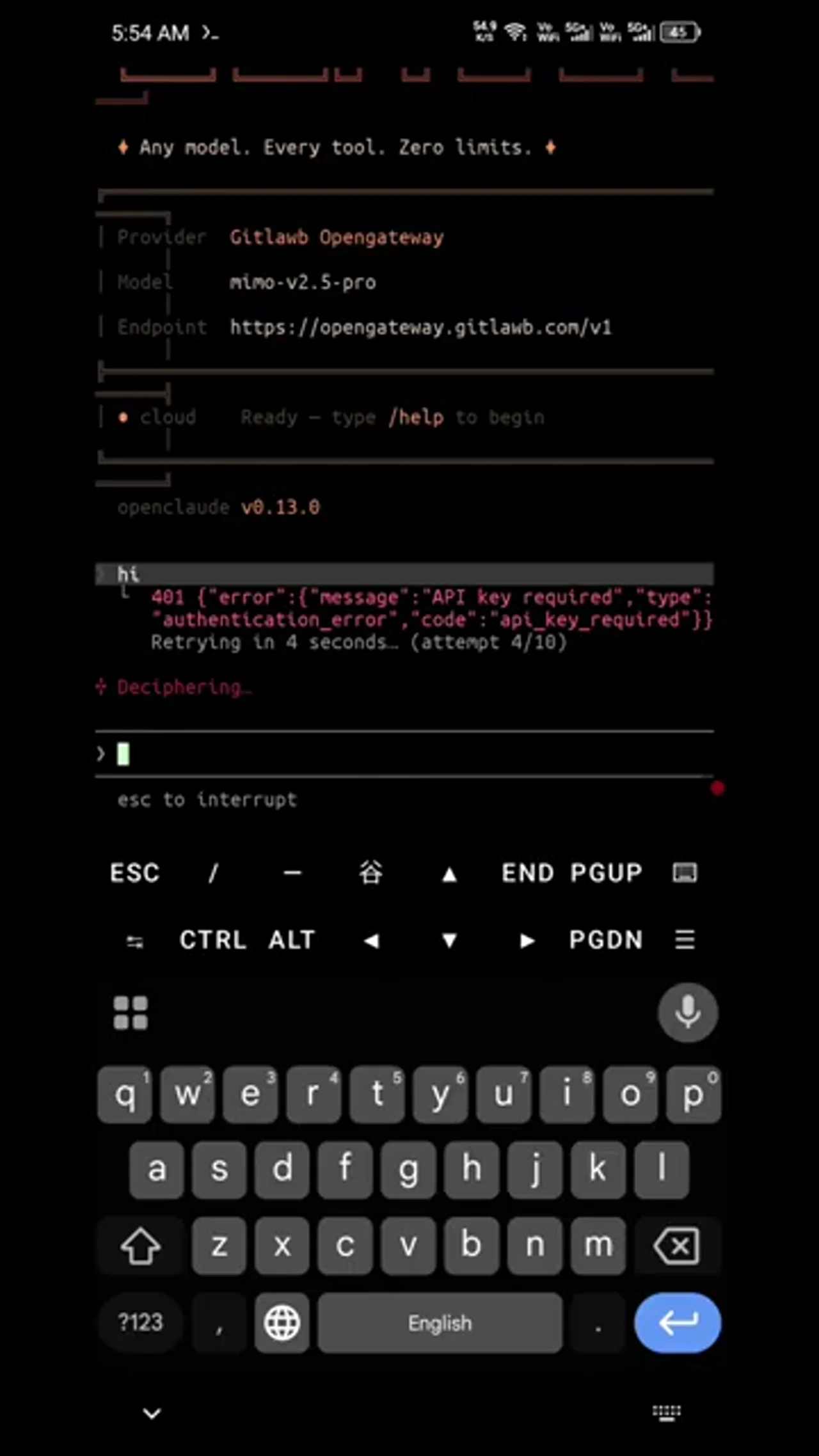
Preparing the Environment and Locating Modules▶ 1:03
Before modifying the code, it is necessary to remove stale configuration directories from the home folder. In the Termux home directory, listing files reveals hidden directories associated with previous OpenClaude sessions. Specifically, the .openclaude directory and the openclaude.json file may contain cached settings that conflict with the new configuration.
ls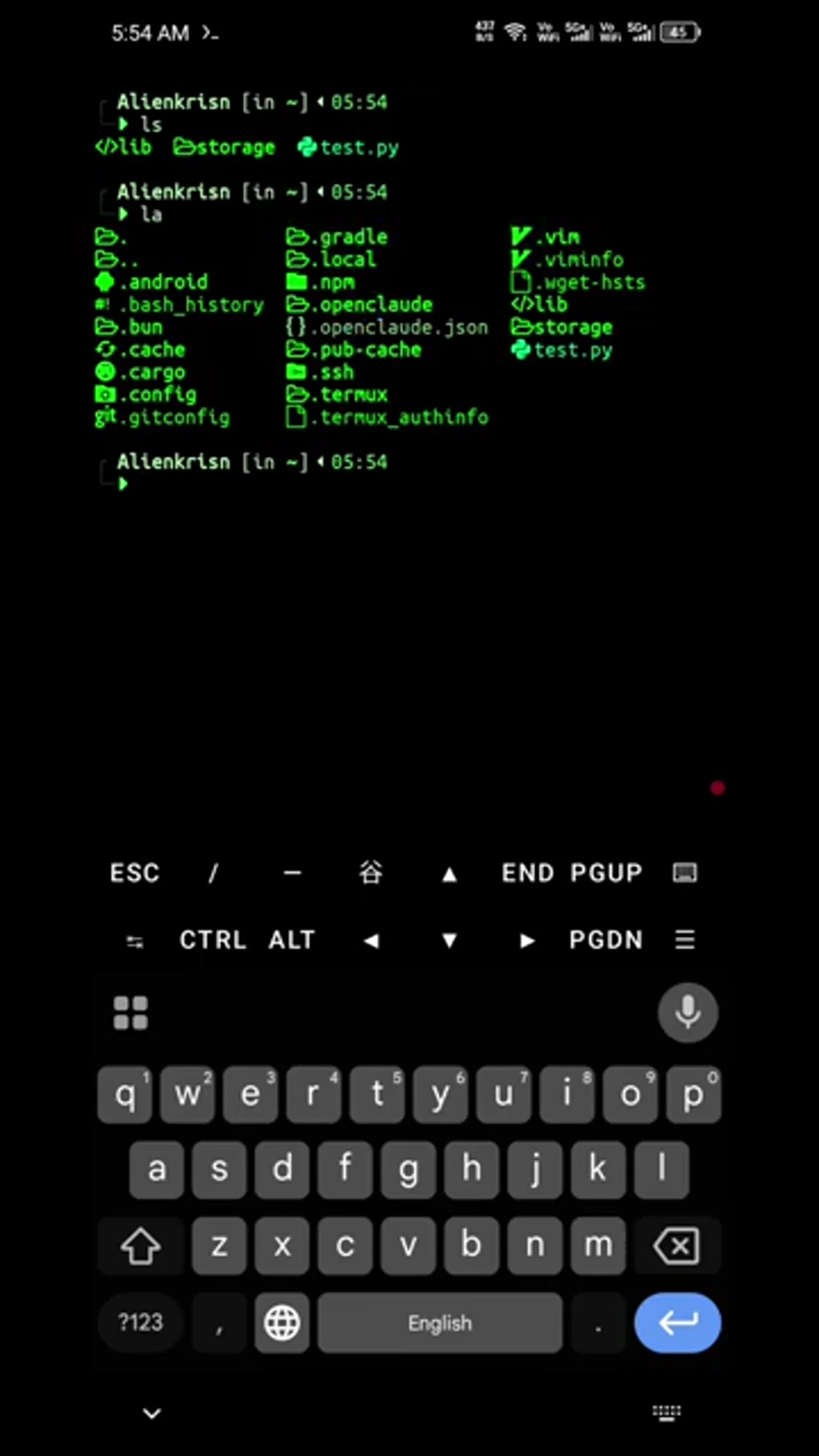
Remove these files to ensure a clean state:
rm -rf .openclaude openclaude.jsonThe core logic for OpenClaude resides within the Node.js modules installed in the Termux prefix. Navigation to this directory is required to access the source files. The path uses the $PREFIX environment variable, which points to the Termux installation root.
cd $PREFIX/lib/node_modules/@gitlab/openclaude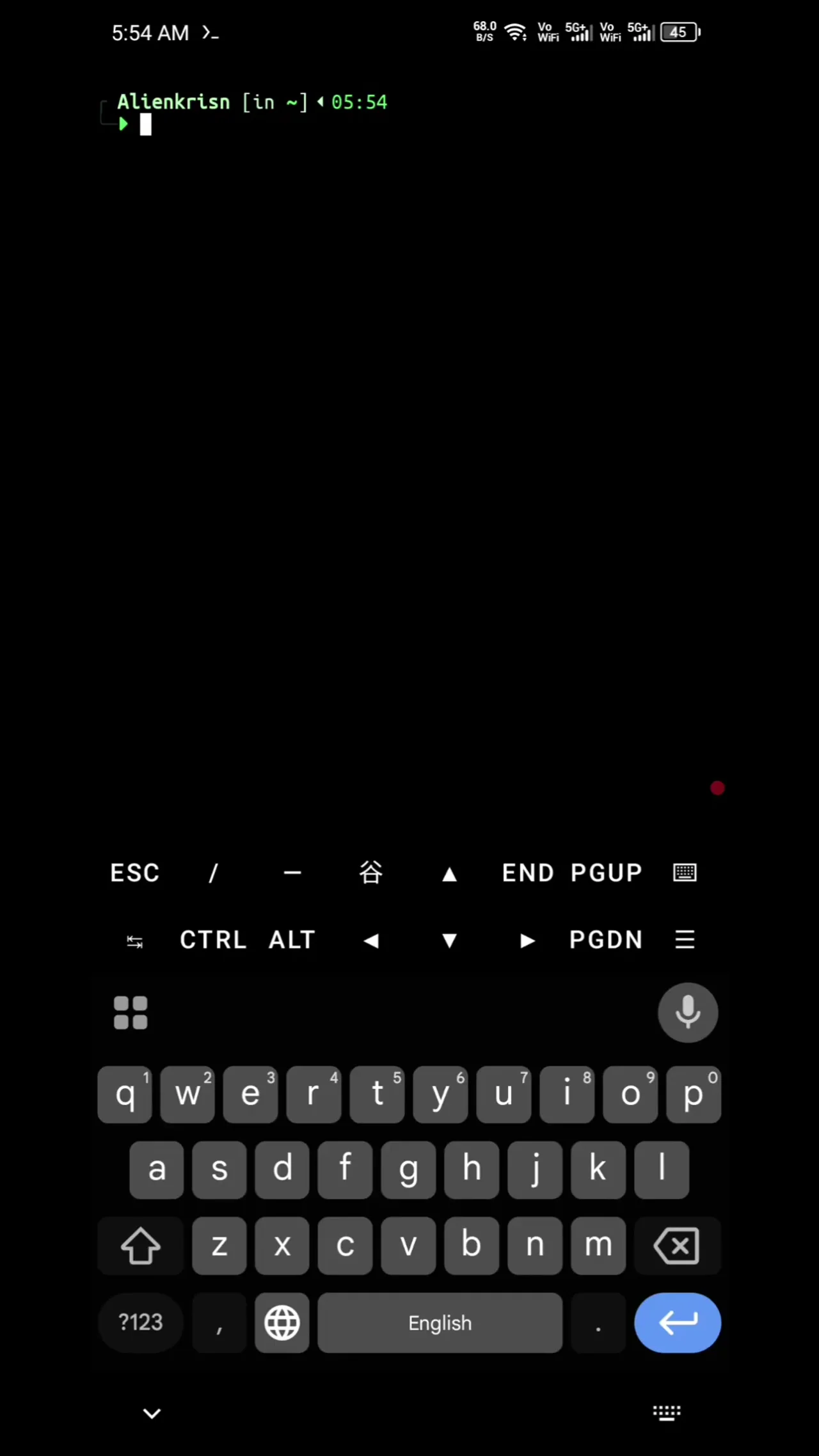
Inside this directory, the dist folder contains the compiled JavaScript files that manage the application's behavior. Listing the contents of dist reveals the files that require modification.
ls dist
Modifying the CLI Configuration▶ 2:06
The first file to edit is cli.js, located in the dist directory. This file handles the command-line interface interactions and provider setup. Open the file using a text editor such as vi or nano.
vi dist/cli.jsWithin the file, search for the configuration block related to "gitlab" or "opengateway." The default configuration sets requiresAuth to false and authMode to "none". These values must be changed to enforce authentication.
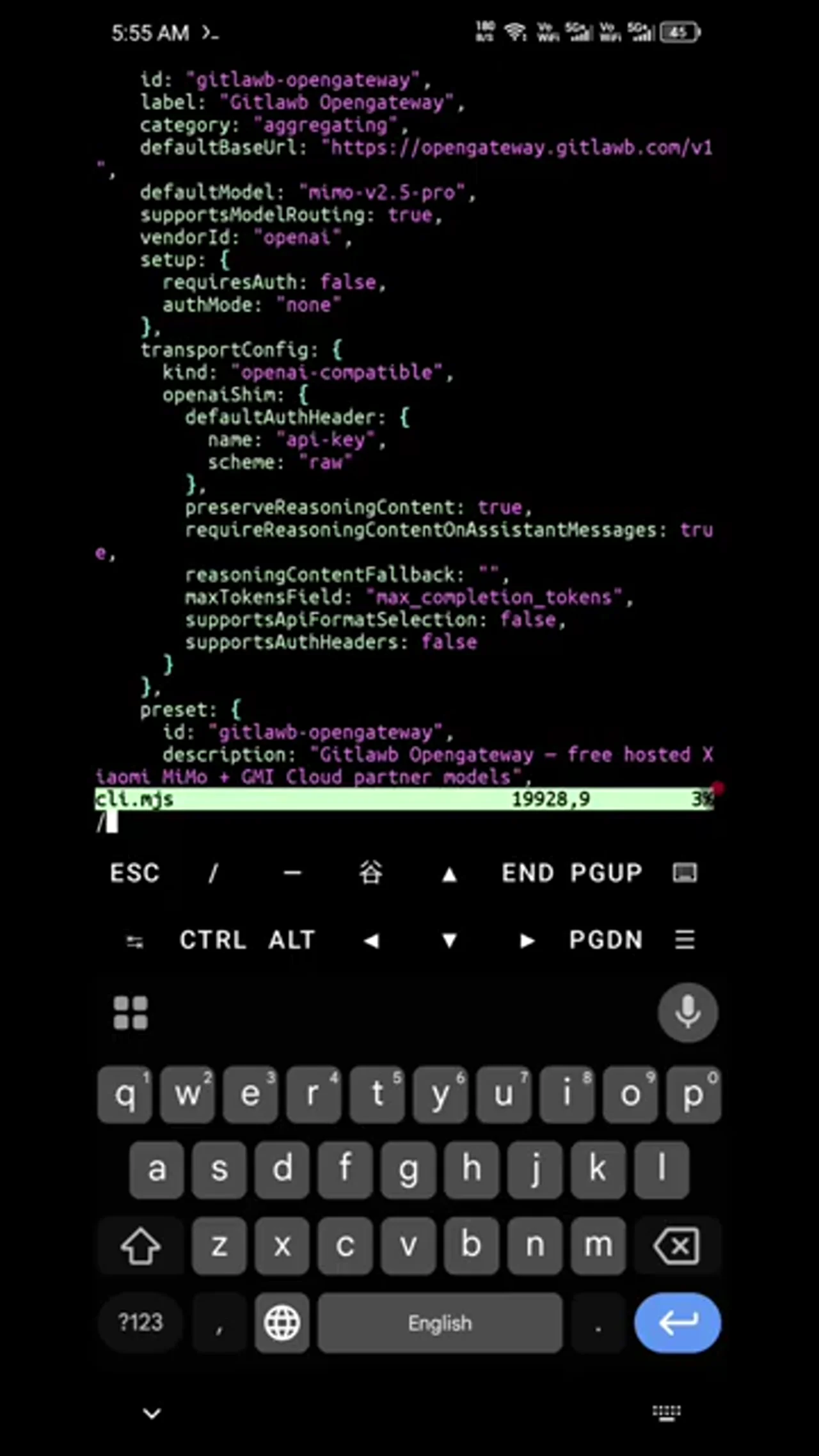
Locate the setup object and modify the requiresAuth property:
setup:
  requiresAuth: true,
  authMode: "api-key"
,
Further down in the configuration, there are additional transport and reasoning content settings. Remove any lines related to transportConfig overrides that may interfere with the standard OpenAI-compatible shim, specifically ensuring that preserveReasoningContent and requireReasoningContentOnAssistantMessages are handled correctly or removed if they cause conflicts. The tutorial indicates deleting several lines of config code to simplify the setup.
Additionally, ensure that supportsModelRouting is set to true.
supportsModelRouting: true,Finally, add an environment variable definition for the API key. In the section handling environment variables, append OPENAI_API_KEY. This ensures the application looks for the key in the environment when initializing the provider.
"OPENAI_API_KEY"Save the changes to cli.js. In vi, this is done by pressing Esc, typing :wq, and pressing Enter.
Updating the Secondary Module File▶ 3:30
The second file requiring modification is mjs.js (or a similarly named module file in the dist directory, referred to as sd.mjs in the transcript context). This file contains parallel configuration logic that must match the changes made in cli.js.
Open the file:
vi dist/sd.mjsSearch for the GitLab OpenGateway configuration section again. Apply the same changes:
1. Set requiresAuth to true.
2. Change authMode from "none" to "api-key".
3. Delete the extraneous configuration lines that were removed in the previous file.
4. Ensure supportsModelRouting remains true.
These changes synchronize the module's behavior with the CLI interface, ensuring that both entry points correctly request and handle the API key. Save and exit the file.
Generating and Inputting the API Key▶ 4:30
With the code modifications complete, launch OpenClaude again.
openclaudeThe application will now prompt for an API key instead of failing silently. To obtain a valid key, visit the official GitLab OpenGateway website. Sign in to the account and navigate to the API Keys section. Generate a new key, assigning it a recognizable name. Copy the generated key string.
Return to the Termux terminal. When prompted with "Enter API key," paste the copied key. Press Enter to submit. The application may ask for additional configuration details, such as model preferences or endpoint URLs; pressing Enter to accept defaults is sufficient for standard usage.
Verifying the Fix▶ 5:30
Once the key is accepted, test the connection by sending a simple message.
hiThe system should process the request and return a response from the "mimo-v2.5-pro" model. If the response is received, the authentication error is resolved.
To ensure persistence, exit the application and restart it.
exit
openclaude
Send another test message, such as "Good morning." The application should respond immediately without requesting the API key again, as it is now stored in the session or environment configuration. This confirms that the GitLab OpenGateway integration is fully functional on Termux.
Ask AI about this video