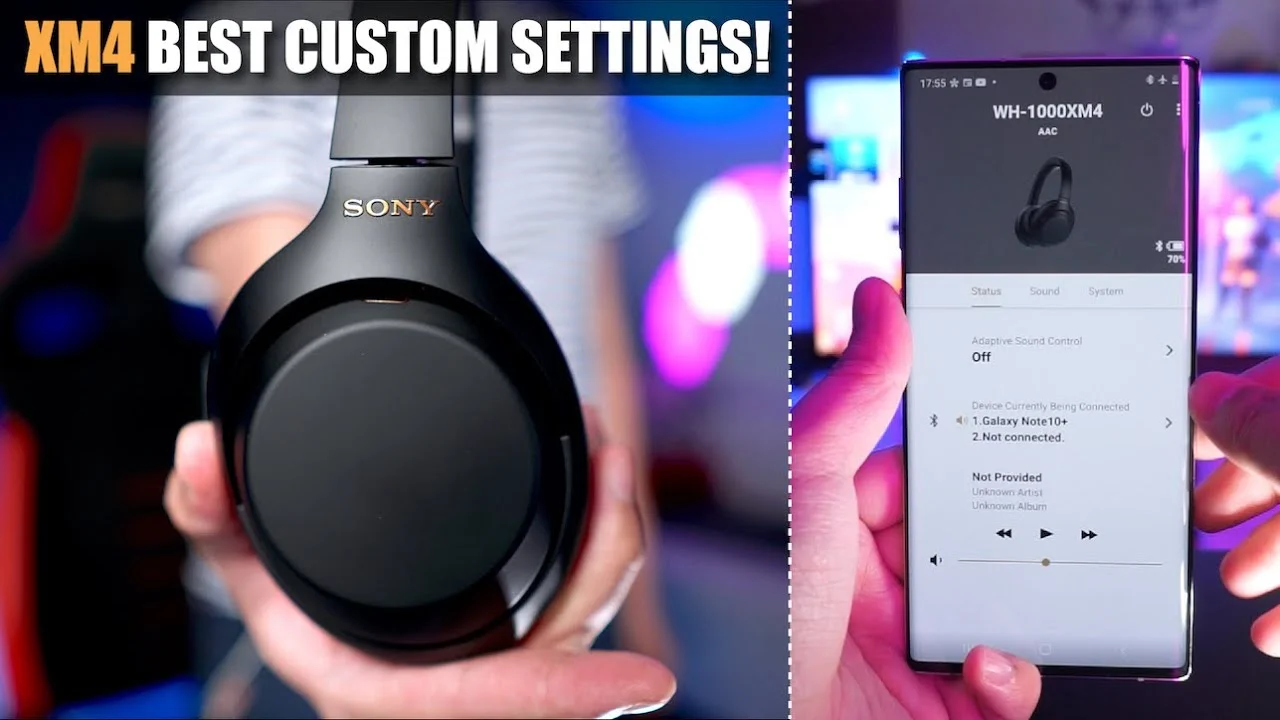
This article walks through the best custom settings for the Sony WH-1000XM4 headphones, covering adaptive sound control, sound settings, and system settings to optimize them for personal use.
Adaptive Sound Control ⏱ 0:00
•Adaptive sound control automatically switches noise cancelling or ambient sound levels based on actions or location.•Automatic switching based on actions has four types: staying (full noise cancellation), walking (ambient sound level 12 by default), running (ambient sound level 20 recommended for safety), and public transport (full noise cancellation by default, but level 1 with focus on voice helps hear announcements).•For walking, level 12 allows hearing light human traffic and combustion vehicles; level 20 is better for silent vehicles like bicycles and e-scooters.•For public transport, setting ambient sound level 1 with focus on voice cancels rumbling while passing through human voices.•Automatic switching based on location uses Google Maps API; you can register locations from map or enable learning of locations you frequent to set preferred noise cancelling levels per place.Sound Settings ⏱ 6:21
•Ambient sound control: Sonys term for active noise cancellation. When set to a specific level, it defaults back to adaptive sound control levels upon movement.•Speak to chat: switches to ambient sound pass-through when you start talking. Settings: voice detect sensitivity on automatic (avoid high sensitivity that triggers on coughs), focus on voice off (allows full transparency for multiple speakers), time until mode closes set to 15 seconds.•ANC optimizer: reduces ear pressure by customizing noise cancelling to ear physiology and atmospheric pressure; process is quick and recommended even without perceived pressure.•Graphic equalizer: five-band EQ covering 400 Hz to 16 kHz plus a bass dial. Presets include mellow, relaxed, vocals, treble boost, bass boost, speech boost; custom settings available via manual custom one or two.•360 Reality Audio: Sony's spatial audio format, available only on Tidal, Deezer, and nugs.net premium plans. Requires ear analysis for setup.•Sound quality mode: set to priority on sound quality for best codec (AAC on iPhone, LDAC on Android). Priority on stable connection defaults to SBC.•DSEE Extreme: AI upscaler for lower resolution music, works with Spotify; increases battery consumption.System Settings ⏱ 13:51
•Connect to two devices simultaneously (multipoint): disables LDAC on Android but useful for pairing with multiple devices.•Change function of custom button: set to ambient sound control for toggling modes.•Touch sensor panel: keep on.•Automatic power off: set to off when headphones are taken off (to save battery if forgetful).•Pauses when headphones are taken off: enabled to save battery.•Notifications and voice guide: set to English.•Automatic download of software: off, to review updates before applying.Key Takeaways
•Adaptive sound control automatically switches between noise cancelling and ambient sound based on actions (staying, walking, running, public transport) and location using Google Maps.•Speak to chat enables conversation by detecting speech; recommended settings: automatic sensitivity, focus on voice off, 15-second timeout.•Graphic equalizer offers presets and custom 5-band EQ (400 Hz–16 kHz) plus bass dial for sound signature adjustment.•Sound quality mode should be set to priority on sound quality to use AAC or LDAC codecs; DSEE Extreme upscales audio but uses more battery.•System settings like multipoint pairing, ANC optimizer, and disabling automatic software updates help tailor the experience.Conclusion
These custom settings allow you to optimize the Sony WH-1000XM4 for your personal preferences and usage scenarios.