

JavaScript Basics: Outputting Data and Pop-up Boxes
Kaynaken-orig
Oct 27, 2026 Oct 27, 2026
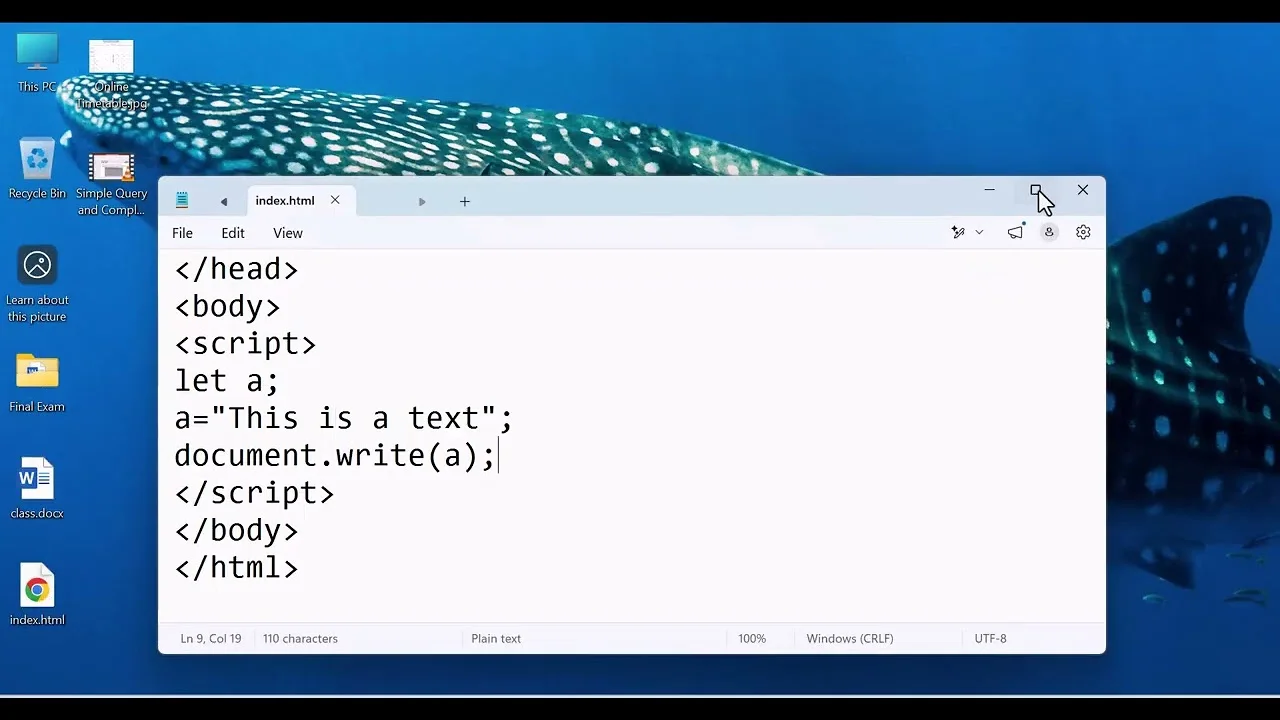
This article covers practical JavaScript concepts for displaying data, including variables, data types, and methods like document.write, innerHTML, alert, confirm, prompt, and console.log.
Variables, Data Types, and document.write ⏱ 1:31
let keyword, followed by a name and a value, e.g., let a = 2;.document.write() with the variable or expression inside the parentheses, e.g., document.write(c);.2 + 3 yields 5, while "5" + "4" yields "54".Modifying HTML with innerHTML ⏱ 11:04
innerHTML allows you to assign content to a specific HTML element identified by an ID.id attribute (e.g., <p id="A"></p>), then in JavaScript use document.getElementById('A').innerHTML = 'New content';.E in getElementById must be capitalized, the B in ById must be capitalized, and the H in innerHTML must be capitalized; otherwise, the code will not work.Pop-up Boxes: alert, confirm, and prompt ⏱ 13:37
alert() displays a message in a pop-up box; it can be called as window.alert() or simply alert().alert('Welcome to our website'); shows a pop-up with that text.confirm() displays a pop-up with OK and Cancel buttons, returning true for OK and false for Cancel.confirm('Please confirm it'); shows the message.prompt() displays a pop-up with a text input field, allowing the user to enter a value.prompt('Please confirm it'); shows the message and an input box.Using the Console ⏱ 15:15
console.log() outputs messages to the browser's console, not to the web page itself.console.log('hello'); prints hello and undefined (the return value of console.log).let a = 2; console.log(a); prints 2.Key Takeaways
let and can store various data types like numbers and strings.document.write() outputs data to the web page, while console.log() outputs to the browser console.innerHTML modifies the content of an HTML element selected by its ID.alert, confirm, and prompt create pop-up boxes for messages, confirmations, and user input, respectively.Conclusion
JavaScript provides multiple ways to output data and interact with users through pop-up boxes and the console. Understanding data types and variables is essential for effective programming.
Canlı web aramasıyla doğrulanır — iddialar tahmin edilmez, gerçek kaynaklarla karşılaştırılır.
Bu video hakkında soru sor
Görsel Öne Çıkanlarbeta